

Joining Teams calls
Metaview will join scheduled Teams calls autonomously up to 2 minutes prior to the scheduled start time. You will know that Metaview Notetaker is capturing notes for you when it appears as a guest participant in your Teams. Metaview is only capturing notes if it appears as “Meeting guest” under the “In the meeting”.Metaview is only capturing notes during your call if it is appearing as a Meeting guest under the In the meeting section in the Teams Participants tab. Metaview will also show up in the main Teams window with its own participant tile as “Metaview Notetaker (MN)”.
Allowing the Notetaker bot into the call
If your Teams settings require meeting hosts to admit guests, the Notetaker will need to wait in the Teams “lobby” and will send this request notification to the meeting host. Metaview will not capture any notes for you until it has been admitted into the meeting.Ending your call
Metaview’s Notetaker bot will stay on the Teams call until all participants have left, there is no audio for an extended period of time, or if the meeting is ended by the host. Your notes will be ready on your Metaview account within 5 minutes of the bot leaving the call. If a meeting starts late — even if people have joined but are still muted — Metaview will leave after 5 minutes if no audio is detected. It assumes the meeting isn’t taking place.Removing the Notetaker bot before the end of the call
Call participants can easily remove Notetaker bot from an ongoing Teams call. Meeting hosts can remove the bot directly from the meeting screen. Selectthe bot, click ... (3 dots) and Remove from meeting. If you remove the bot at the very start of the call, Metaview will not process any notes.
⋮ (3 dots) of the ongoing call and select the Remove bot option. If you remove the bot at the start of the call then Metaview will not process the notes. Click Confirm and the bot will leave the Teams call within 30 seconds.
Invite Metaview to an ongoing Teams call
If you are in a Teams call and want to have Metaview join immediately, in the participants tab, selectShare invite and Copy meeting link.
Minimize or hide the Notetaker
In Microsoft Teams, participant visibility can be adjusted per user, using Teams’ own layout and view controls. You can pin participants, change meeting layouts, or focus on specific speakers, but these settings only apply to your own view and are controlled entirely by Teams. Microsoft’s guide to changing meeting views and layouts can be found here.Customizing the bot’s appearance
Metaview shows up as a guest participant labeled as “[your company name]‘s Metaview Notetaker” on your Teams meetings. Admins can adjust the name of the Notetaker via the Workspace Settings under Bot name. Organizations on our Enterprise plan can customize this by adding your logo as shown below, please submit your request here or have your account admin submit a logo to your team’s customer success manager with the following specifications:- SVG or PNG format
- Minimum 400px width
- Logo background must be transparent
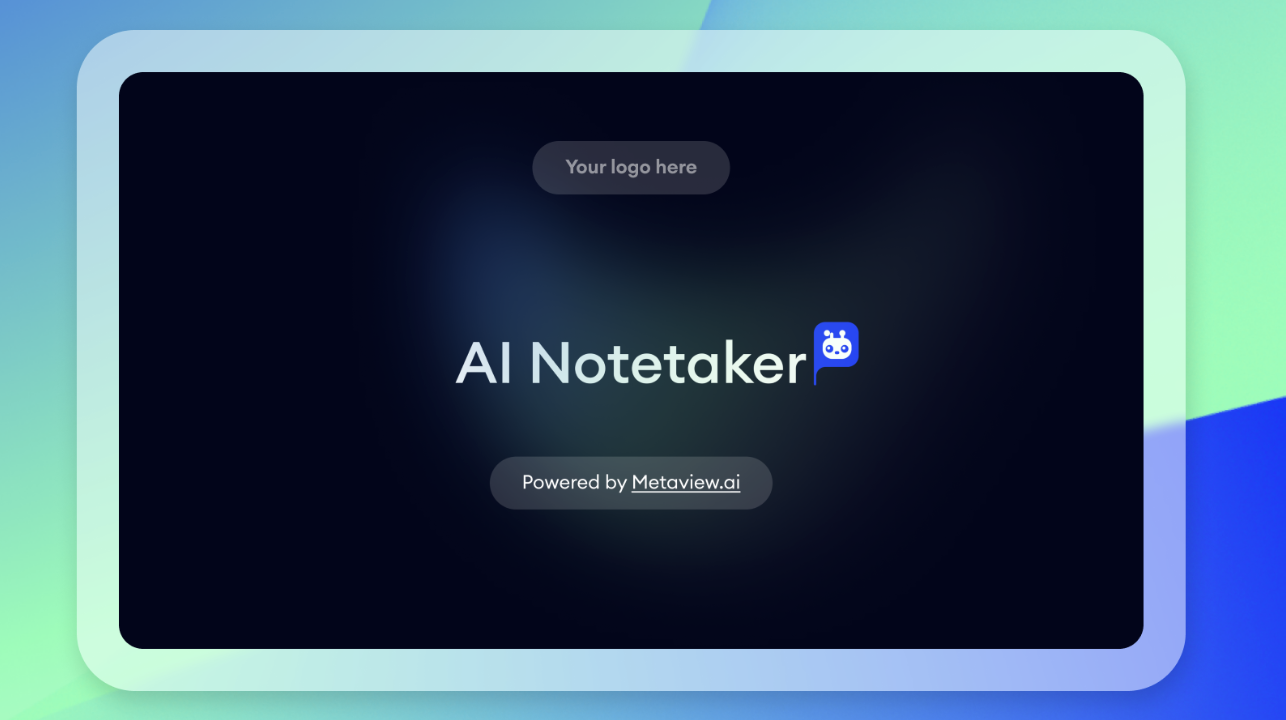
This option is only available for teams on the Enterprise plan. See here for details.
Changing your Teams settings
To change your Teams settings, select an upcoming calendar event go to your Meeting Options. Please find the following instructions from Microsoft. One of the options you might be able to change is who can bypass the lobby. IfPeople who were invited or Only me are selected, the Metaview Notetaker bot will need to be admitted by the meeting host.
To join a Teams meeting, the Metaview Bot requires that the Anonymous users can join a meeting unverified meeting policy setting to be ON. Please see here for more information and instructions on how to update this setting if it has been disabled.
Microsoft Teams Government / GCC High links
Microsoft Teams Government / GCC High is a separate Microsoft Teams cloud used by US government and defense customers. You can recognize these meeting links by thegov.teams.microsoft.us domain, instead of the standard commercial Teams links. Unfortunately, if you schedule your Teams calls using Government or GCC High, Metaview will not be able to join them.
Please contact us if you have any questions.