Access requests
If you receive a data subject access request and would like to share data processed by Metaview with call participants in a common machine-readable format, you can follow the instructions to use our self-service tools to download recordings, transcripts, and notes.You can also use the Sharing option to give colleagues and external participants access to your Metaview calls.
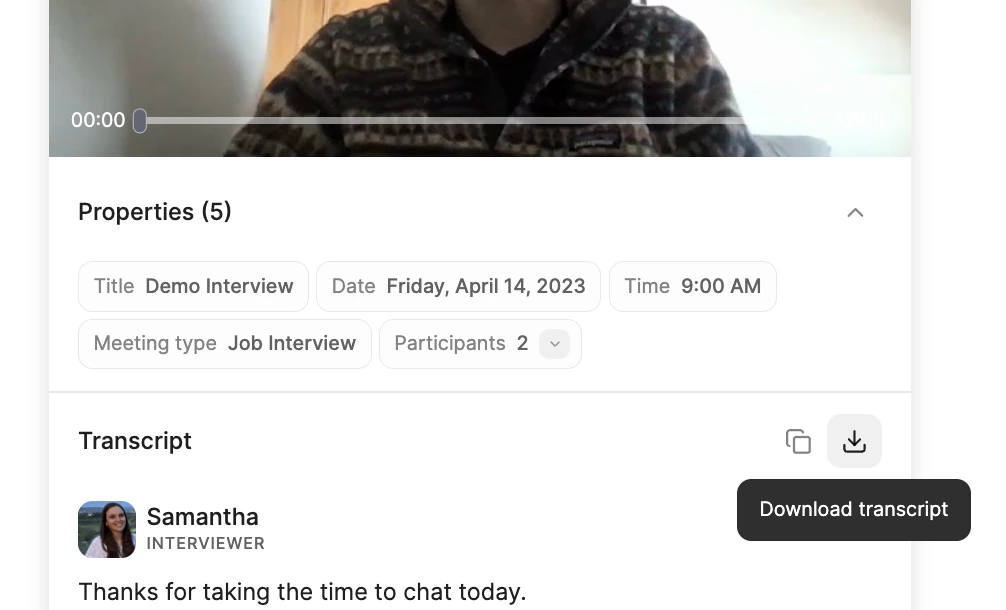
Downloading the transcript
You can easily copy or download the full transcript of your call. Click on therecording tile to view the full transcript of the call, followed by Download transcript.
Downloading the recording
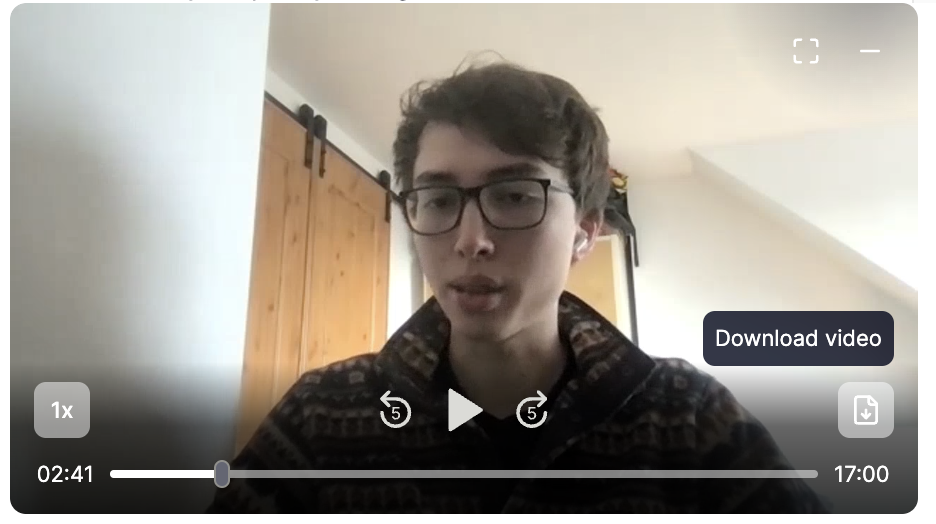
If there is a recording available for your call, you can download it to your computer so that it can be shared as part of an access request. Click on therecording tile to view the full recording of the call, followed by Download video or Download audio (for audio-only recordings).
Deleting a conversation
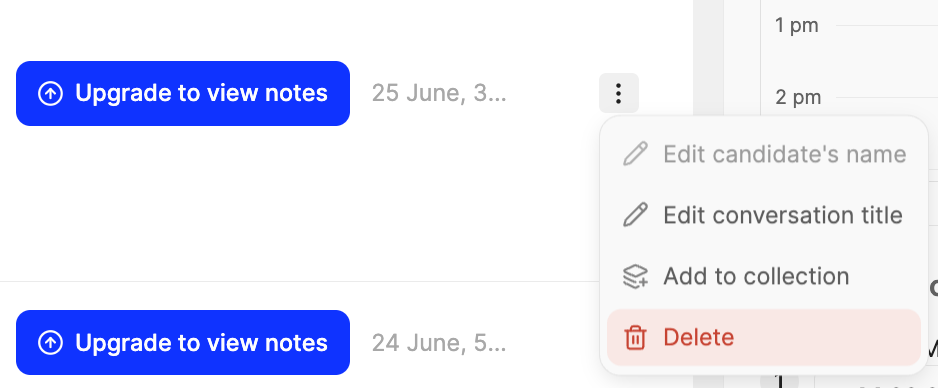
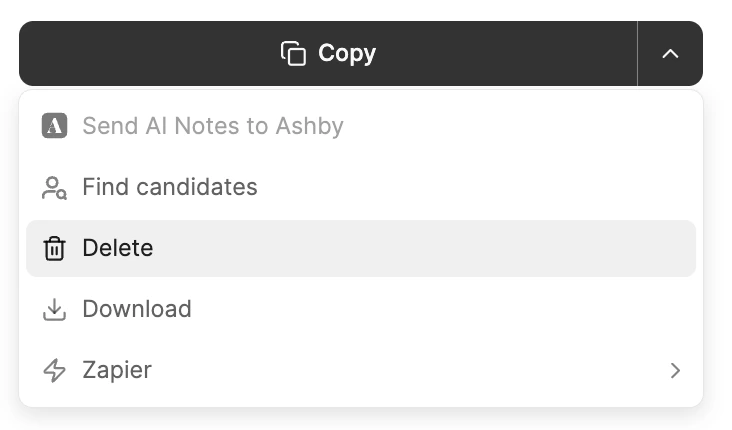
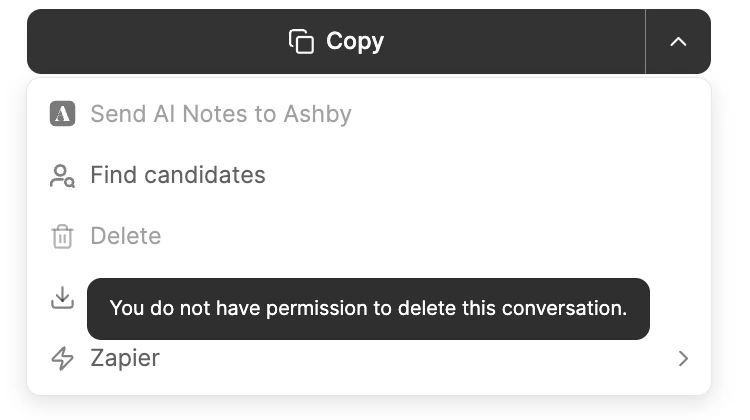
You can delete any conversation you have access to, and admins have the ability to delete any conversation across the workspace.- Open the conversation you want to delete.
- Click the dropdown menu in the right panel of the notes editor.
- Select
Delete. - You will be asked to
Confirmdeletion: “Delete this conversation for everyone? This action cannot be undone.”
Please note that deletion is irreversible and will apply to all other users who have access to the call.
Archive or Delete. Archiving simply moves conversation entries to the “Archive” list but does not delete them.