

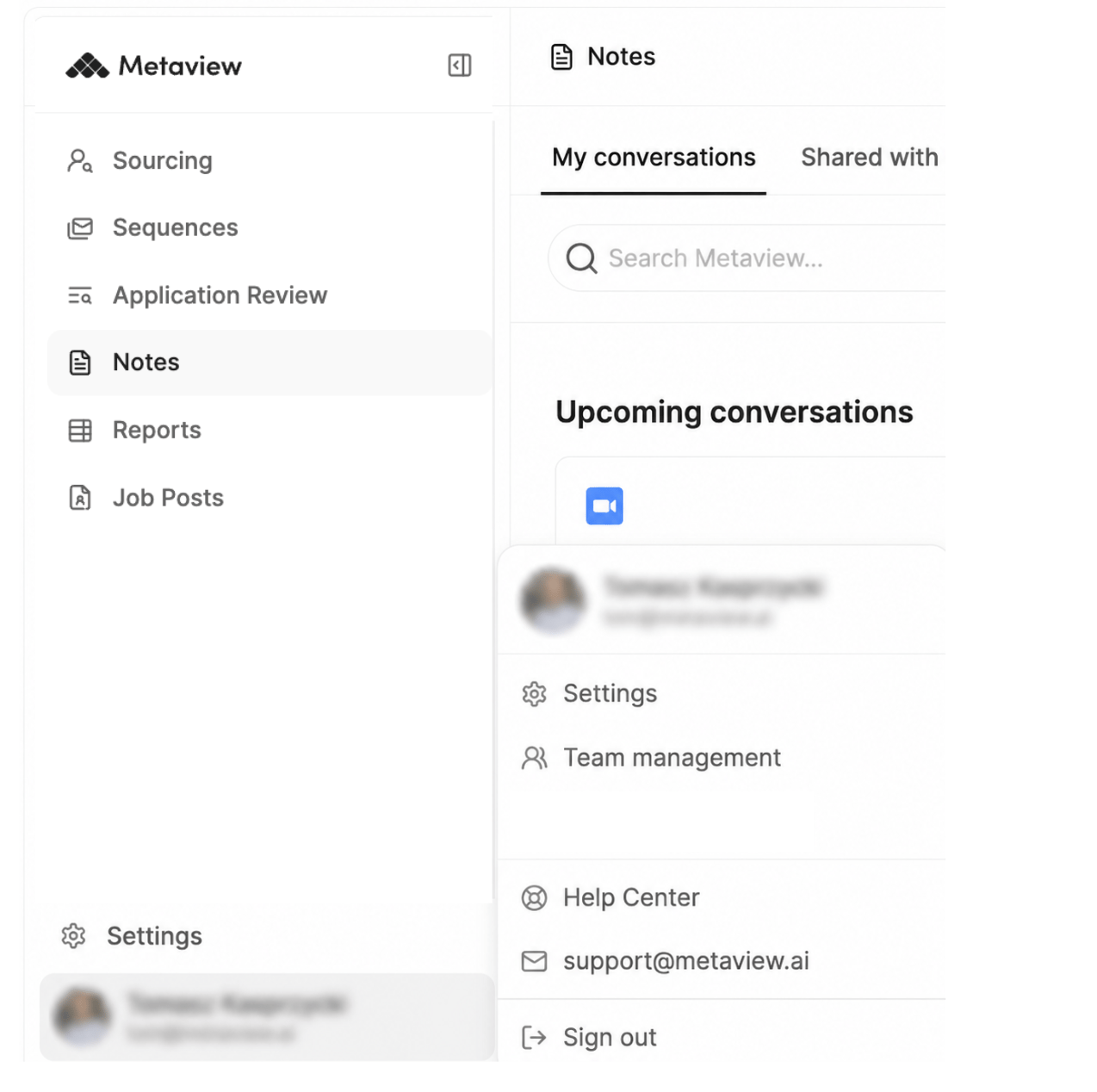
Open the left sidebar to access your account menu including navigation between products on the Metaview platform, settings and team management options.
Main navigation
The navigation menu provides quick access to the following areas:- Notes – View and manage interview notes
- Reports – Access analytics and insights
- Job Posts – Manage job descriptions and roles
- Sourcing – Find and track candidates
- Sequences – Manage outreach and communication workflows
- Application Review – Review and manage applications
- Settings - Ability to configure your settings and integrations
Account menu
Click onyour profile in the bottom-left corner of the navigation sidebar to access additional options including your team view:
- Team Management – Manage users, permissions, and workspace access
- Help Center – Link to this page at https://support.metaview.ai/
- Support Email - Contact the Metaview support team
- Sign Out – Sign out of your account