Notifying participants
We recommend applying the following best practices inspired by GDPR and CCPA in order to ensure compliance in most jurisdictions:- Notify participants in advance
- Briefly explain the purpose of the tool (i.e. for notetaking, not for automatic decision-making)
- Highlight that it is not required
- Provide the option to choose whether Metaview is on their call or not
So that I can make the most of our time together, I use Metaview, an AI assistant, to help with my note-taking. It is not required though, please let me know if you’d prefer me not to use it for our conversation.
Capturing responses
Most customers will add a notice and provide the candidate with the opportunity to decide if they want Metaview to join their call or not as part of their usual scheduling communications.- Calendar invites: add a notice to your scheduling email and calendar event invites.
- ATS scheduling: add a notice to your ATS application forms and scheduling email templates
- Calendly: add a notice within your booking flow as outlined here: Calendly
When using the Metaview managed form, you will need to ensure that candidates are clearly identified on your upcoming meeting invites so that we can automatically match candidate responses to their upcoming calls and ensure that their recording preferences are taken into account.
If you use the Metaview form, Metaview will always consider the candidate’s most recent logged response. This means they don’t need to provide a selection to every call they conduct with your organization (i.e., an “opt-out” response will apply to all their future calls), and they can easily change their response.
The messaging in the Metaview form is entirely customizable for your organization so you can accurately communicate your purpose for using Metaview and what candidates can do if they don't want Metaview used on their upcoming call.
This form can also be used by employees and interviewers at your organization who wish to opt out of Metaview joining any of their calls.
Notification during meeting
Organizations can request to add an additional notification that displays at the start of a video conference meeting, either as a pop-up or in the meeting chat with a personalized message. This is currently available for Zoom, Google Meet and MS Teams video conference calls.Bot opt-out
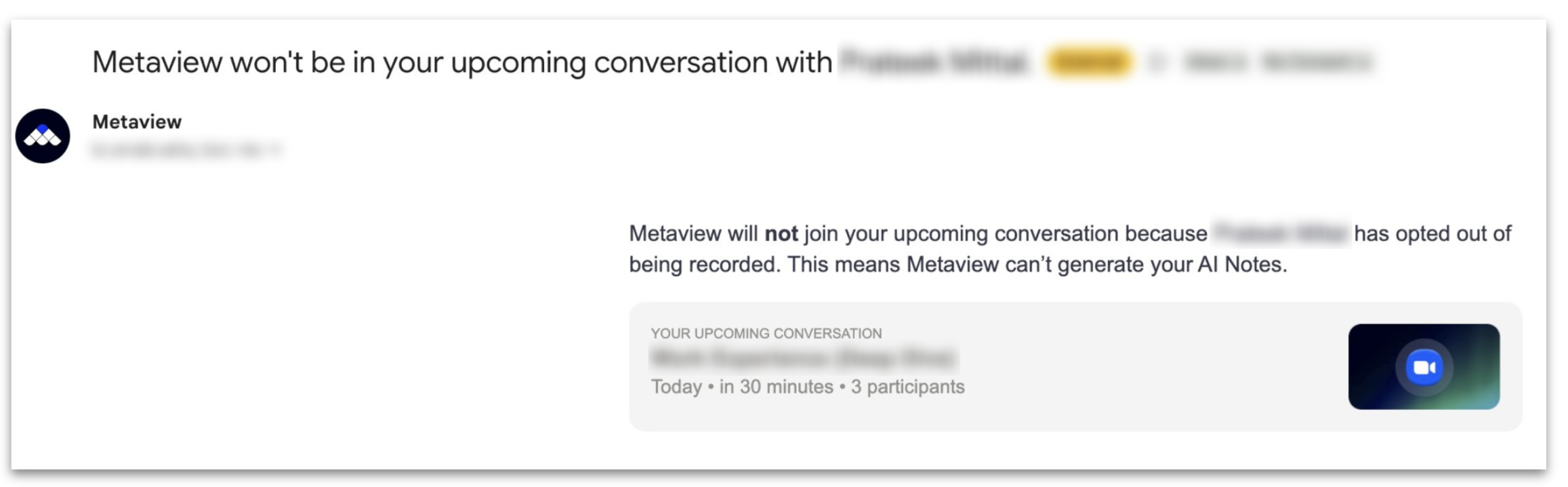
When a participant’s response is registered stating they do not want Metaview to be used on a call, Metaview will send an email notification to the interviewers in the minutes leading up to the start of the call. The Metaview bot will automatically know not to attempt to join the video conference call. In the case of a scheduled phone call, the interviewer would simply call the candidate directly instead of using the Metaview switchboard.