Elyse shows you how to use Assistant.
To open the Assistant chat window, click onAsk AI located in the bottom right-hand corner of your notes page.
How to use the Assistant
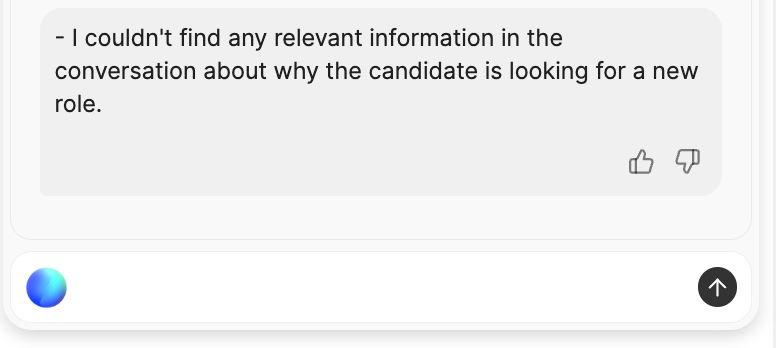
With the Assistant, you can simply type in a question you have about a candidate and our AI will return information based on what was discussed in the interview. For example, you could ask for a quick reminder of what a candidate said their compensation expectations are, or ask for a summary of key points that were discussed. Our AI retrieves what the candidate actually said — including statements about their motivations for seeking a new role — with citations back to the transcript. All of this means you can retrieve what was said in an interview instantly, then verify it against the transcript and apply your own judgment, without relying on fuzzy memory or detail-light candidate feedback forms.The Assistant captures what was said. It does not evaluate, rank, compare, recommend, or speculate about candidates. It works best with retrieval-style questions (“what did the candidate say about…”) rather than evaluative ones — verify its answers against the transcript and apply your own judgment. See Best practices for Notes.
Please note that the Assistant only has access to the transcript of the call. Any additional sources are not currently taken into account in the Assistant’s answers.
Troubleshooting
-
Not all speakers are assigned
Metaview will not be able to correctly attribute responses if not all the speakers are assigned. Go to
Assigning participants to set speakers. -
The footnote is missing
When the Assistant provides you with an answer, it will try to provide you with a footnote. Click on the
[1]to see the part of the call transcript from where the answer is taken from. However, in some cases if the information is pulled from many parts of the conversation or is inferred (e.g. “Who participated in the meeting?”, “How many questions were asked in this meeting?”), Metaview will not be able to provide you with a direct footnote to the transcript. -
The Assistant is providing poor responses or is unable to provide a response
The best way to flag the issue to our team is by using the
👎(thumbs down) icon. Your feedback is invaluable in helping us improve the quality and reliability of the Assistant.