> ## Documentation Index
> Fetch the complete documentation index at: https://support.metaview.ai/llms.txt
> Use this file to discover all available pages before exploring further.
# Connect With Microsoft
> Set up and configure Microsoft sign-in for Metaview
Metaview's Microsoft integration supports single sign-on (SSO), and user and group provisioning. Metaview admins can seamlessly manage user permissions and role-based access controls. Users can safely and securely sign in to Metaview using their existing credentials.
## Signing in
Use the `Continue with Microsoft` option to [create your account or to sign in](https://my.metaview.app/auth/) with your work email.
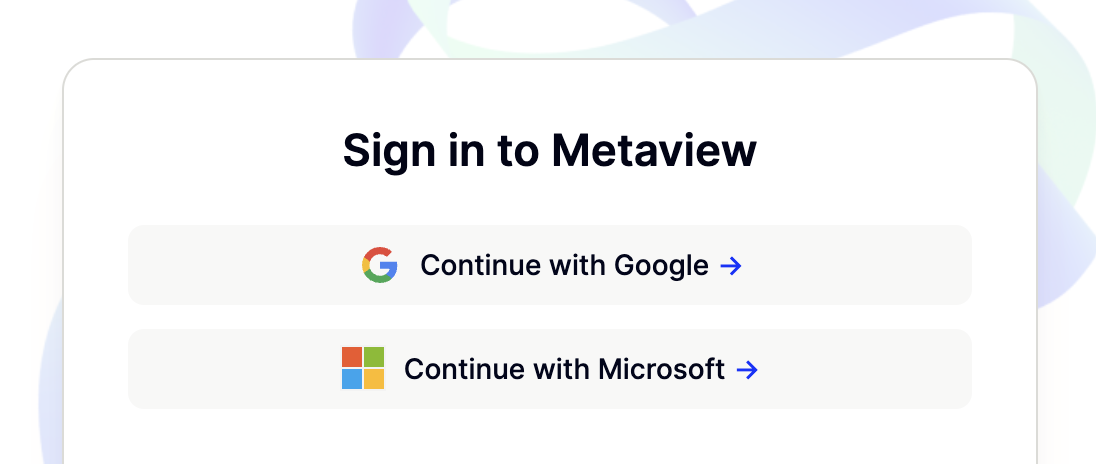 You will need to use your work email to sign in with Metaview using Microsoft. Metaview does not allow you to use a school or personal email like @[outlook.com](http://gmail.com) for account creation.
## Permissions
To use Microsoft sign-in, the following permissions need to be granted, which allow Metaview to authenticate your account and connect your Outlook calendar:
* **Maintain access to data you have given it access to**
* This maps to the `offline_access` scope in Azure AD / Microsoft Graph, which allows Metaview to maintain access to a user's account without asking them to sign in repeatedly.
* **Sign in and read user profile**
* This allows users to sign in to Metaview and allows Metaview to read the profile of the signed-in user. It also allows Metaview to read basic company information. This maps to the following scopes:
* `openid` and `profile`: standard **OpenID Connect** scopes for authentication and basic user information.
* `email`: to retrieve the user’s primary email address.
* `User.Read`: a **Microsoft Graph** delegated permission that allows reading the signed-in user’s basic profile (e.g., name, email, photo).
* **Read user calendars**
* This permission grants **read-only** access to a user’s calendar events. This corresponds to the `Calendars.Read` permission via Microsoft Graph and allows Metaview to call these endpoints:
* `GET /me/calendars` to read the signed-in user’s calendars
* `GET /me/events` to read the signed-in user’s events
If your access is blocked with the error message below, you may need to request **App Approval** from the IT department that manages your Microsoft Workspace.
> *Metaview needs permission to access resources in your organization that only an admin can grant. Please ask an admin to grant permission to this app before you can use it.*
You will need to use your work email to sign in with Metaview using Microsoft. Metaview does not allow you to use a school or personal email like @[outlook.com](http://gmail.com) for account creation.
## Permissions
To use Microsoft sign-in, the following permissions need to be granted, which allow Metaview to authenticate your account and connect your Outlook calendar:
* **Maintain access to data you have given it access to**
* This maps to the `offline_access` scope in Azure AD / Microsoft Graph, which allows Metaview to maintain access to a user's account without asking them to sign in repeatedly.
* **Sign in and read user profile**
* This allows users to sign in to Metaview and allows Metaview to read the profile of the signed-in user. It also allows Metaview to read basic company information. This maps to the following scopes:
* `openid` and `profile`: standard **OpenID Connect** scopes for authentication and basic user information.
* `email`: to retrieve the user’s primary email address.
* `User.Read`: a **Microsoft Graph** delegated permission that allows reading the signed-in user’s basic profile (e.g., name, email, photo).
* **Read user calendars**
* This permission grants **read-only** access to a user’s calendar events. This corresponds to the `Calendars.Read` permission via Microsoft Graph and allows Metaview to call these endpoints:
* `GET /me/calendars` to read the signed-in user’s calendars
* `GET /me/events` to read the signed-in user’s events
If your access is blocked with the error message below, you may need to request **App Approval** from the IT department that manages your Microsoft Workspace.
> *Metaview needs permission to access resources in your organization that only an admin can grant. Please ask an admin to grant permission to this app before you can use it.*
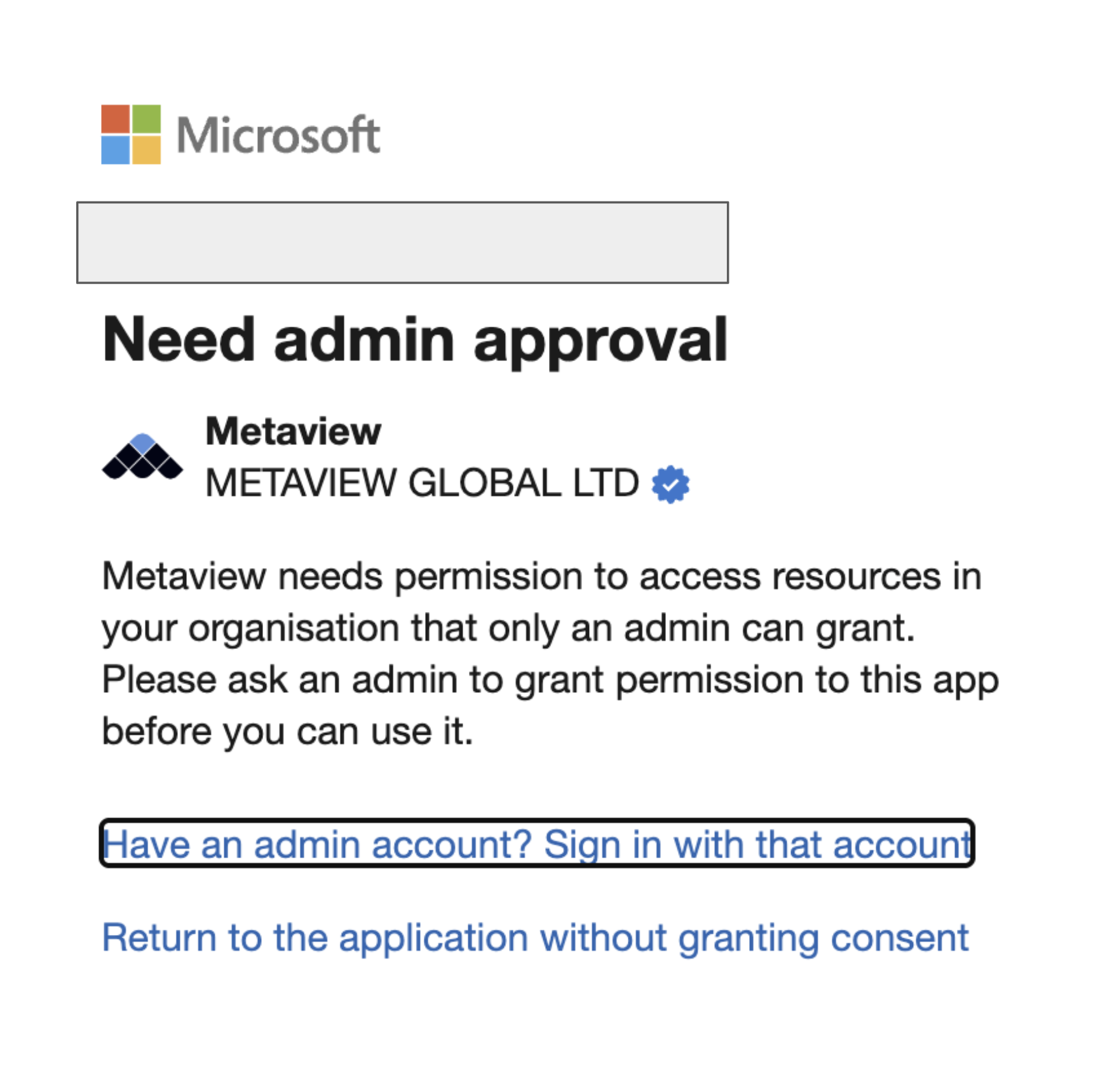 If admin consent is granted for delegated permissions, users will not see additional prompts, but Metaview will still only access calendars on behalf of **each user who signs in**.