> ## Documentation Index
> Fetch the complete documentation index at: https://support.metaview.ai/llms.txt
> Use this file to discover all available pages before exploring further.
# Connect With Google
> Set up and configure Google sign-in for Metaview
Metaview's Google SSO integration supports single sign-on, and user and group provisioning. Metaview admins can seamlessly manage user permissions and role-based access controls. Users can safely and securely sign in to Metaview using their existing credentials.
## Signing in
Use the `Continue with Google` option to create your account or to sign in ([https://my.metaview.app/auth/](https://my.metaview.app/auth/)) with your work email.
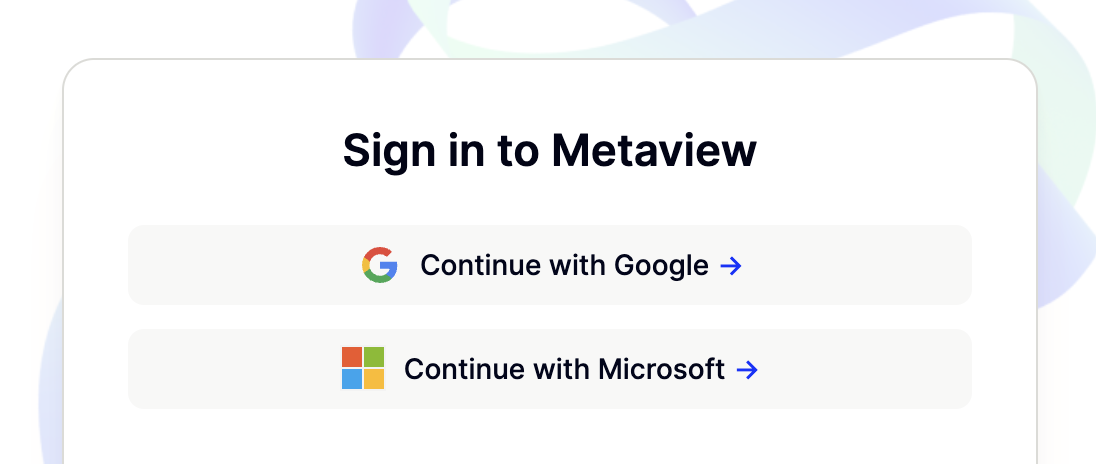
You will need to use your work email to sign in with Metaview using Google. Metaview does not allow you to use a school or personal @[gmail.com](http://gmail.com) email for account creation.
## Permissions
To use Google sign-in, the following permissions need to be granted which allow Metaview to:
* See your primary Google Account email address
* See your personal info, including any personal info you've made publicly available
* View on Google Scope: `https://www.googleapis.com/auth/userinfo.profile`
* View and edit events on all calendars you have access to in Google Calendar
* View and edit on Calendar Scope: `https://www.googleapis.com/auth/calendar`
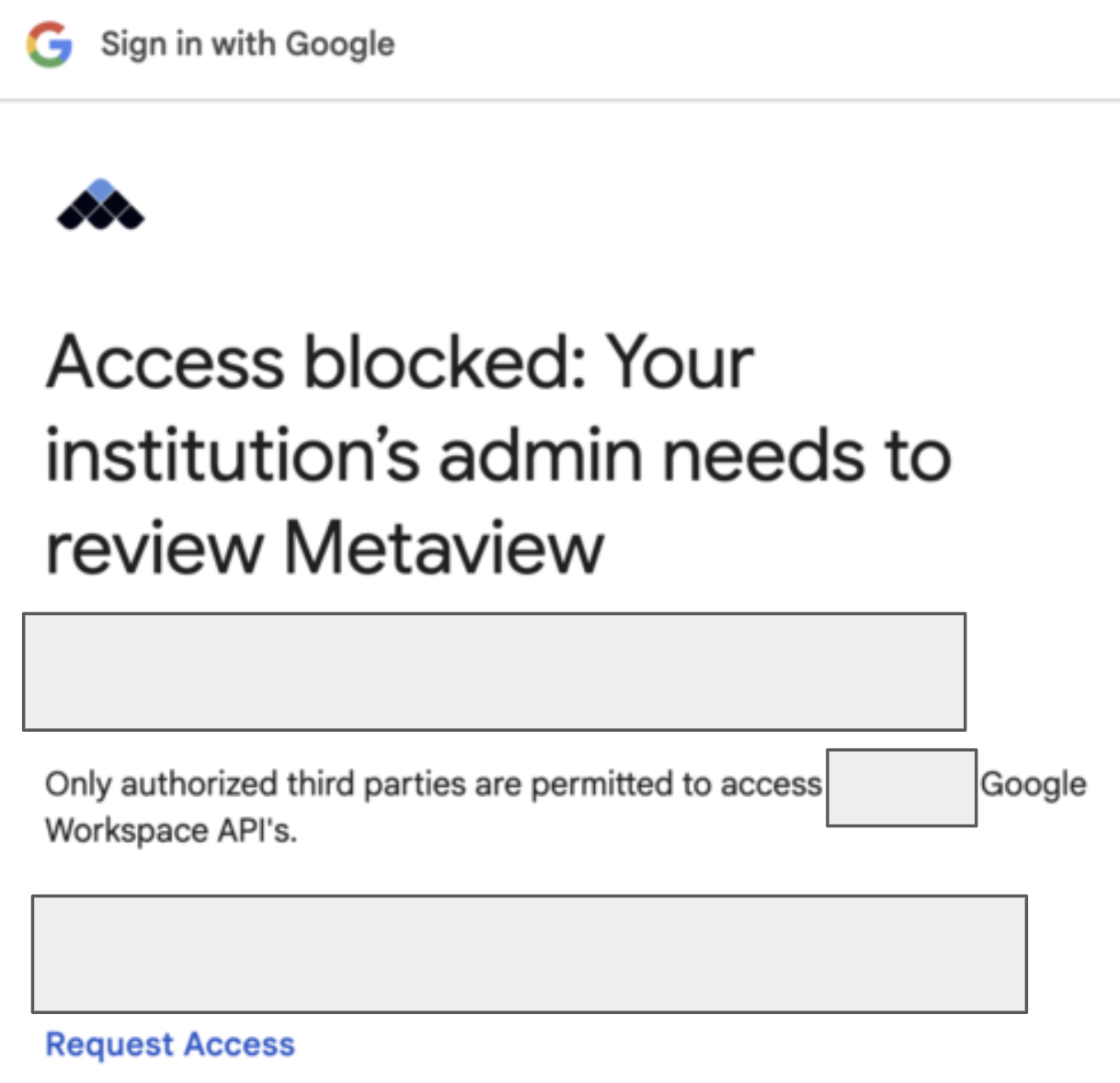
If your access is blocked, you may need to request **App Approval** from the IT department that manages your Google Workspace.
 Please contact [us](mailto:support@metaview.ai) if you have questions or encounter any other issues signing in with Google.